

Download Yandex Disk – cloud storage, file sharing, online backup, Yandex Disk, data backup, secure file storage, sync files, mobile storage, remote access, document management
Overview
Yandex Disk is a cloud-based storage solution designed to help users securely store, manage, and share digital content across multiple devices. The app enables individuals and professionals to back up important files such as documents, photos, music, and videos while maintaining easy access from any internet-connected device. Its core purpose is to eliminate data loss risks associated with hardware failure and provide a reliable platform for remote file access and collaboration.
Target users include personal users seeking a secure way to preserve family memories, remote workers requiring consistent access to project files, and small teams looking for a straightforward method to share and manage documents. The app is particularly useful for those already using Yandex’s ecosystem, such as Yandex Mail, where seamless integration enhances workflow efficiency.
Developed by Yandex, a well-known technology company with a strong presence in digital services across Eastern Europe and parts of Asia, the app reflects a commitment to scalable, user-friendly cloud solutions. Although the developer did not provide additional technical details about the infrastructure or encryption protocols, the service’s functionality suggests a focus on reliability and accessibility.
Real-world use cases include backing up smartphone photos to prevent loss during device replacement, sharing large video files with colleagues without email size limits, and maintaining a centralized repository for personal or work-related documents. In the broader app ecosystem, Yandex Disk serves as a practical alternative to established platforms like Google Drive and Dropbox, offering competitive features within a familiar interface.
Key Features & Functionality
- Generous Free Storage – Users receive 3GB of free cloud space upon sign-up, with the option to expand to 10GB by completing simple tasks such as installing the desktop client, sharing a file, or inviting friends via social media. This makes it accessible for users with moderate storage needs.
- Secure Data Backup – Files stored on Yandex Disk remain safe even if a user’s device is lost, damaged, or stolen. This feature ensures continuity of access and protects against accidental data loss.
- Remote Access & Cross-Device Sync – Users can access their files from any device with an internet connection, including smartphones, tablets, and computers. The service synchronizes changes in real time, ensuring consistency across platforms.
- Flexible File Sharing – Users can share individual files or entire folders with others, setting specific access permissions such as view-only or edit rights. This supports secure collaboration while maintaining control over sensitive content.
- Integration with Yandex Mail – For users with a Yandex Mail account, the app allows direct sharing of file links from emails, streamlining communication and reducing the need to manually attach large files.
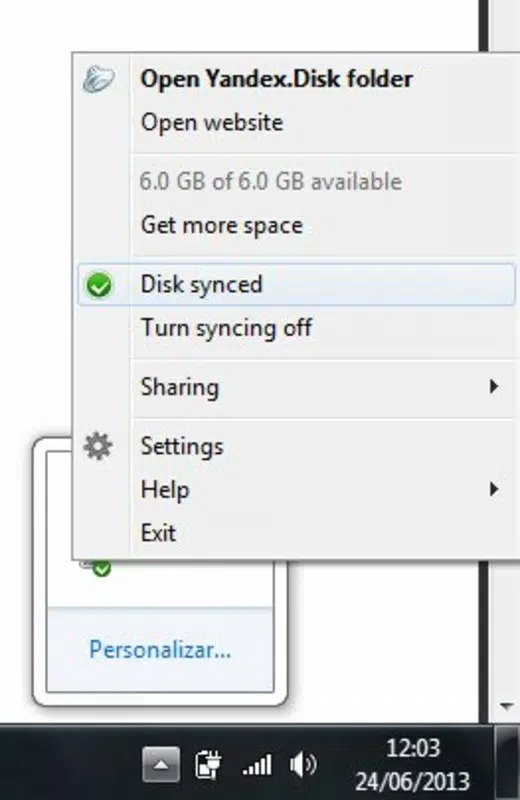
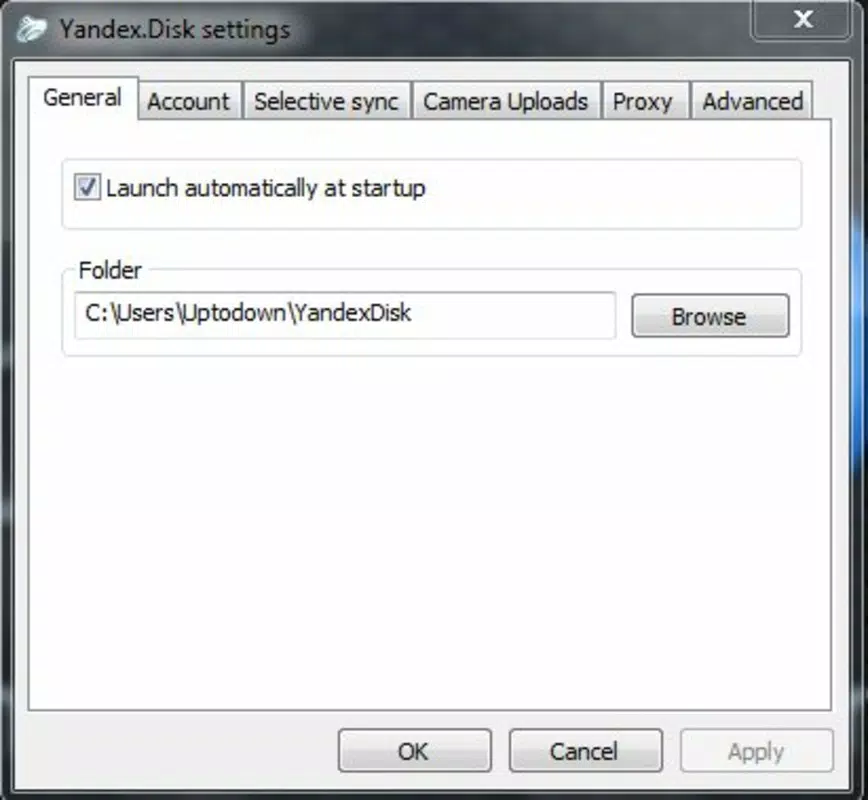
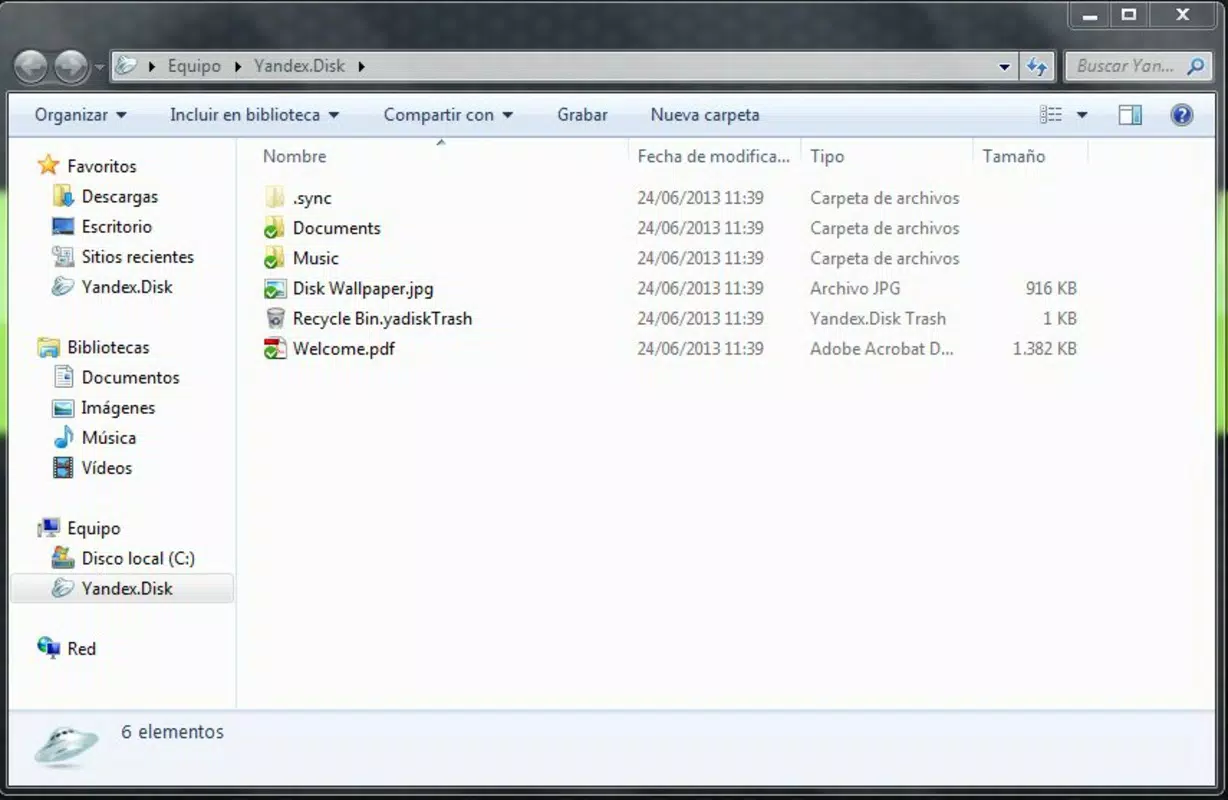
- Intuitive Desktop Synchronization – Once configured, a dedicated Yandex folder appears on the desktop. Users can copy files into this folder as they would with any local directory, and the system automatically syncs them to the cloud.
For example, a photographer can use the app to back up their entire portfolio from a mobile device and later retrieve it on a laptop for editing. A student can share a research document with peers while restricting editing privileges to maintain version integrity. These practical applications highlight the app’s versatility in both personal and professional contexts.
Interface, UX & Performance
The user interface of Yandex Disk is clean, minimal, and designed for ease of navigation. The main screen displays a hierarchical view of stored files and folders, with clear icons for different file types and a search bar for quick retrieval. The layout is consistent across both Android and iOS, ensuring a familiar experience for users switching between platforms.
Navigation is straightforward, with bottom tabs (on mobile) or side menus (on desktop) providing access to key sections like “All Files,” “Shared,” “Recent,” and “Trash.” The app responds promptly to user inputs, and file uploads, downloads, and deletions are processed efficiently. Although the developer did not list formal performance metrics, the interface remains responsive even with medium-sized file libraries.
Stability appears to be well-maintained, with no reported issues related to crashes or data corruption. The app handles background syncs without significant battery drain or memory usage, making it suitable for long-term use on both high-end and mid-range devices. However, specific requirements were not listed, so users should verify compatibility based on their device’s operating system version.
Platform Compatibility & Technical Requirements
Yandex Disk is available on both Android and iOS platforms, ensuring broad accessibility across modern smartphones and tablets. The current version is 2.21.0, with a file size of 44 MB, indicating a lightweight installation that does not consume excessive storage space.
While the app is free to download and use, specific OS version requirements were not disclosed by the developer. Users are advised to check their device’s app store for compatibility details. The app does not require root access or special permissions beyond standard storage and internet access, which aligns with typical cloud storage app behavior.
Although the developer did not specify minimum OS requirements, the app’s lightweight footprint suggests it is optimized for a wide range of devices, including those with limited processing power or memory.
Pros and Cons
Pros
- Generous free storage tier with expansion options
- Secure cloud backup that protects against device loss
- Seamless cross-device synchronization and remote access
- Simple and intuitive interface suitable for all user levels
- Integration with Yandex Mail for streamlined file sharing
- Lightweight app size with minimal system resource usage
Cons
- Specific OS requirements were not listed by the developer
- Advanced sharing controls may not be as granular as in some competitors
- Limited third-party app integrations outside the Yandex ecosystem
- Availability of certain features may depend on regional restrictions
- Documentation and support resources were not provided in the input
FAQ
Is Yandex Disk safe to use?
Yes, the app is designed to securely store user data in the cloud. Files are protected from loss due to device damage or theft, and access is controlled through user authentication and sharing permissions.
Can I use Yandex Disk without a Yandex account?
No, a Yandex account is required to access and use the service. The account provides login credentials and access to the cloud storage space.
Does Yandex Disk support file versioning?
The provided information does not confirm whether file versioning is supported. Users should check the app’s settings or official documentation for details.
How do I share files with others?
Users can share files or folders by selecting the item, choosing the share option, and entering the recipient’s email or link. Access permissions can be set to view-only or editable.
Is Yandex Disk available for both Android and iOS?
Yes, the app is available on both Android and iOS platforms, allowing users to access their files across different mobile operating systems.
Final Thoughts
Yandex Disk stands out as a dependable, user-friendly solution for cloud storage needs, particularly for users already embedded in the Yandex ecosystem. Its combination of free storage, secure backup, and seamless cross-device access makes it a strong contender among mobile storage apps. The intuitive design and straightforward functionality lower the barrier to entry for both novice and experienced users.
While some advanced features and technical specifications remain undisclosed, the app delivers core functionality reliably and efficiently. For individuals seeking a secure, free, and easy-to-use tool for managing files on the go, Yandex Disk offers a compelling value proposition.
Download Yandex Disk now


